
The MicrotronX ERP
Freight forwarding software that runs in your own house.
- Orders
- Addresses
- Warehouse
- Empties
- Finance and open items
- Fleet and staff
- Trigger system for your own workflows
- On-premise
- GDPR-compliant
- Works offline
- REST/JSON API
Freight forwarding software from the experts. Since 1998.
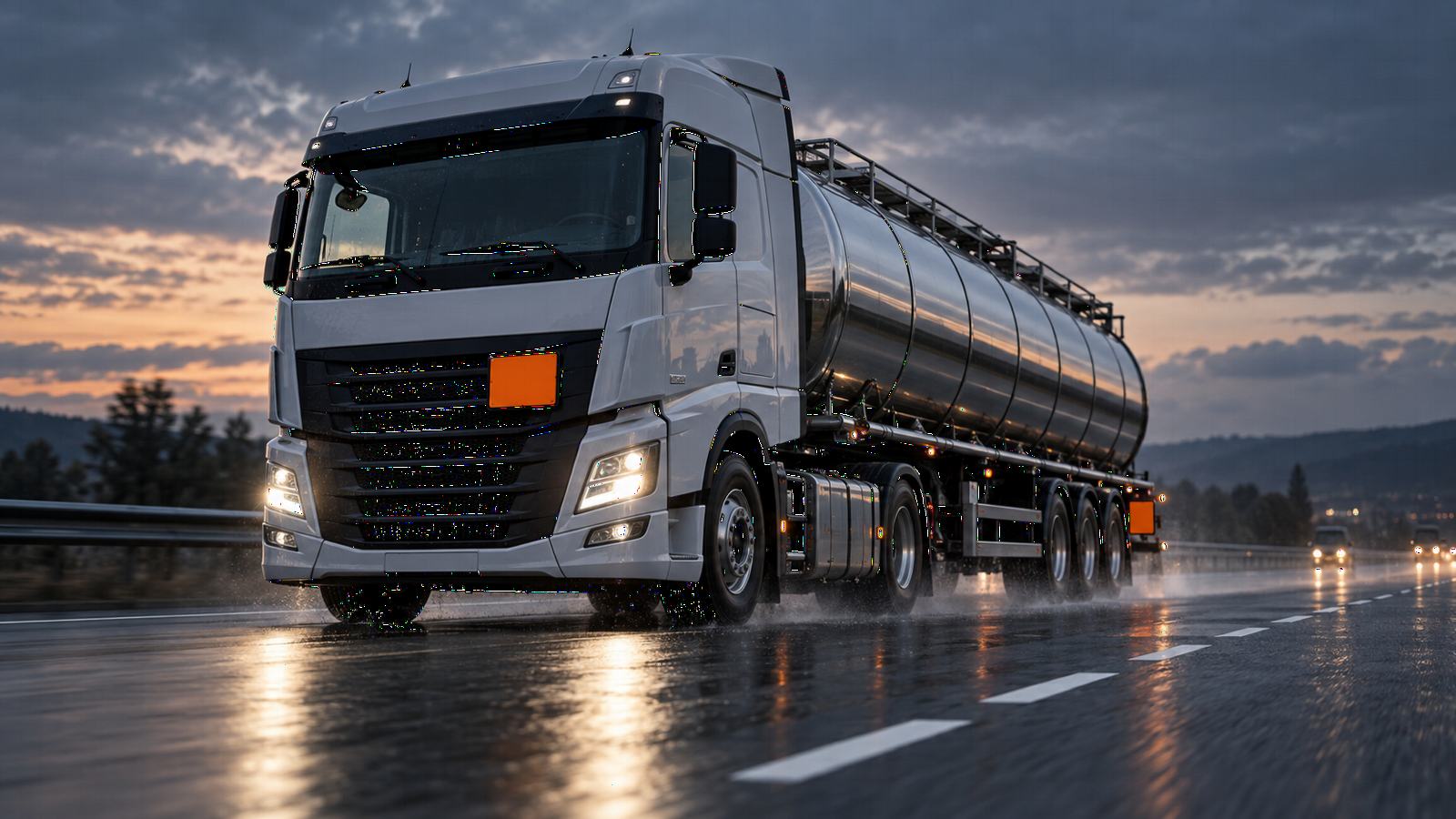
Enter the four-digit UN number shown in the lower half of the orange plate. You get the class, labels, tunnel restriction code and the other details from Table A of ADR 2025, in English or German.
Frequently searched: UN 1203 UN 1202 UN 1965 UN 1830 UN 3480 UN 1263
What you look up here, the MicrotronX ERP records directly on the order. Your processes define the software – not the other way round.
In order entry and in the warehouse the ERP fetches the master data from ADR 2025, Table A: class, name, classification code, packing group, labels and tunnel restriction code. In German or English.
“Carriage prohibited” and “not subject to ADR” are shown right away. You also record limited quantity (LQ), environmentally hazardous substances and waste details.
CMR, bordereau, loading list, loading order, consolidated loading order, ADR truck checklist and dangerous goods statistics and evaluation. Every template can be adapted individually with ReportBuilder.
Dangerous goods details are passed to DB Schenker and included in the EDI XML export.
The dangerous goods details of an order are passed on in full to the MicrotronX app and shown in the order detail.
Store the ADR certificate for each driver and filter by it.
Freight forwarding software that runs in your own house.

Orders on the phone. Status and photos back to the office, digital proof of delivery, even without network. In 7 languages.

Work with AI such as Claude or ChatGPT directly in your ERP. Your ERP stays in-house.
The details come from the GEFAHRGUT database of the German Federal Institute for Materials Research and Testing (BAM), ADR 2025, supplemented by RID, ADN, IMDG Code and ICAO TI, licence dl-de/by-2-0. All information without warranty; only the official regulation text in its current version is authoritative. Shown are class, classification code, packing group, labels, hazard identification number, special provisions, limited and excepted quantities, packing and tank provisions, transport category, tunnel restriction code, security and environmental hazard details, and the details for other modes of transport.
From the GEFAHRGUT database of the German Federal Institute for Materials Research and Testing (BAM), ADR 2025 plus RID, ADN, IMDG Code and ICAO TI, licence dl-de/by-2-0. Without warranty; only the official regulation text is authoritative. German and English records are available.
Class, classification code, packing group, labels, hazard identification number, transport category, tunnel restriction code, limited and excepted quantities, special, packing and tank provisions, security and environmental hazard details, notes such as carriage prohibited or not subject to ADR, and the details for RID, ADN, IMDG Code and ICAO TI.
Yes. If a very large number of lookups is made, a short security check is shown.
Yes. In order entry and in the warehouse you enter the UN number and the ERP takes over the ADR 2025 master data in German or English.
Yes. The ADR details of an order are passed on to the MicrotronX app and shown in the order detail.
On CMR, bordereau, loading list, loading order, consolidated loading order, ADR truck checklist and dangerous goods statistics. All templates can be adapted individually with ReportBuilder.
Discover MicrotronX ERP, the driver app and MS900.
